Studio equipment setup
Plan floor layouts, rig cabling, racks and monitoring so a studio is safe, tidy and ready for air.

ovationpoky is a professional resource for studio equipment setup, dynamic camera operation, lighting and sound, and smooth workflows for television news and live shows.
Get our free studio setup checklist
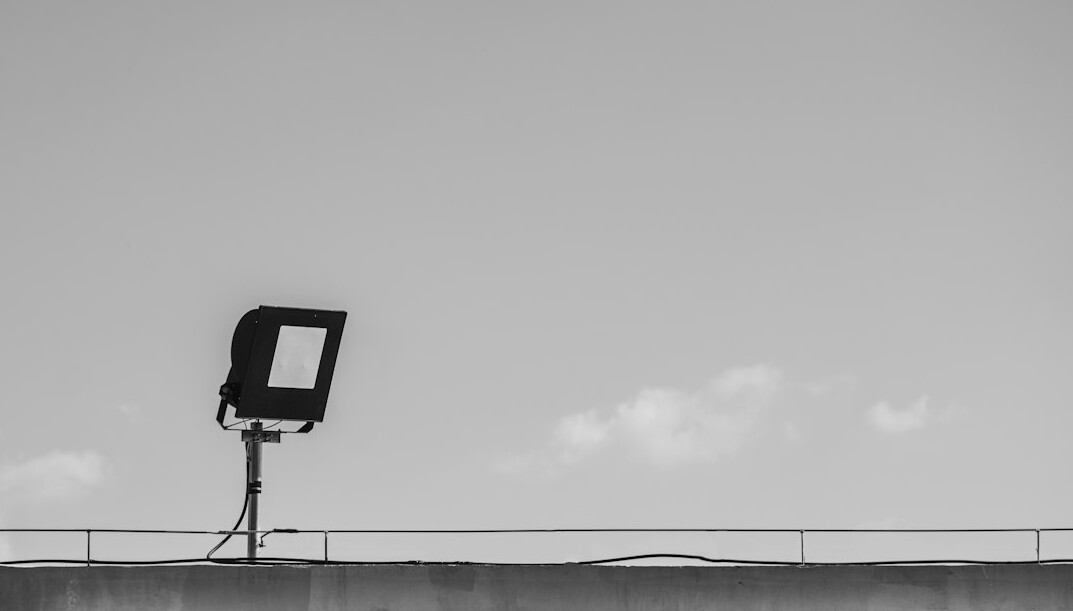
What we cover
Plan floor layouts, rig cabling, racks and monitoring so a studio is safe, tidy and ready for air.
Smooth pans, tilts and tracking moves, clean framing and confident shot changes during live output.
Key, fill and backlight balance, colour temperature and flicker-free setups for news and entertainment sets.
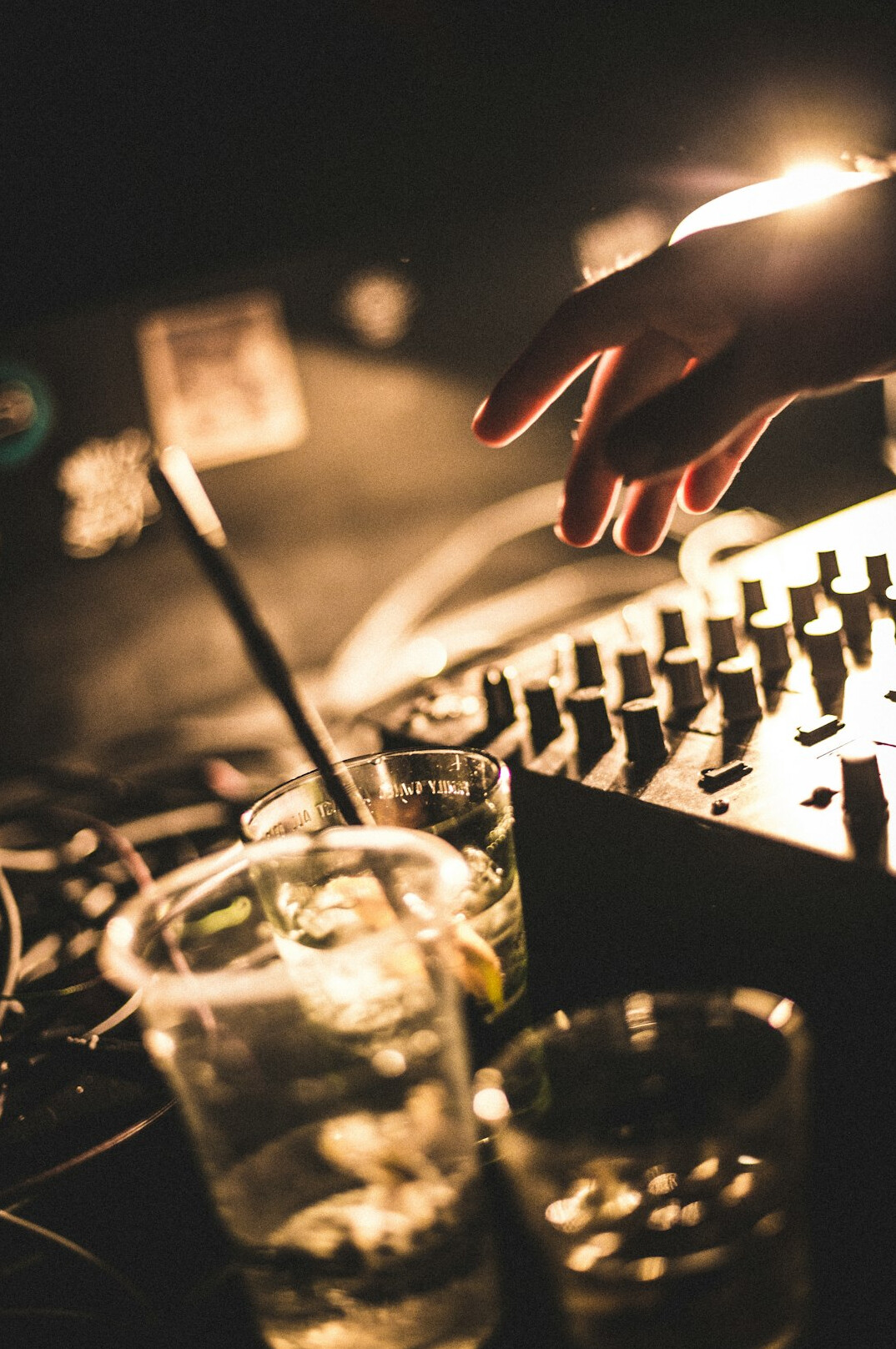
Microphone placement, mixing basics and clear cue sheets that keep the whole gallery working in step.
Gain more insight
From the first cable run to the last cue, ovationpoky explains how equipment, camera work, light and sound combine into a calm, dependable live workflow.
ovationpoky exists to turn the pressure of live production into clear routines that crews can trust, shift after shift.
The workflow
Map the floor, camera positions, power and cable routes before anything is lifted.
Mount cameras, balance heads and check focus, zoom and tally lines on every unit.
Set key, fill and backlight, then line up microphones and levels in the gallery.
Run cue sheets, practise the tricky transitions and keep communication short and clear.
A small group of working studio professionals who share what they have learned on the floor.
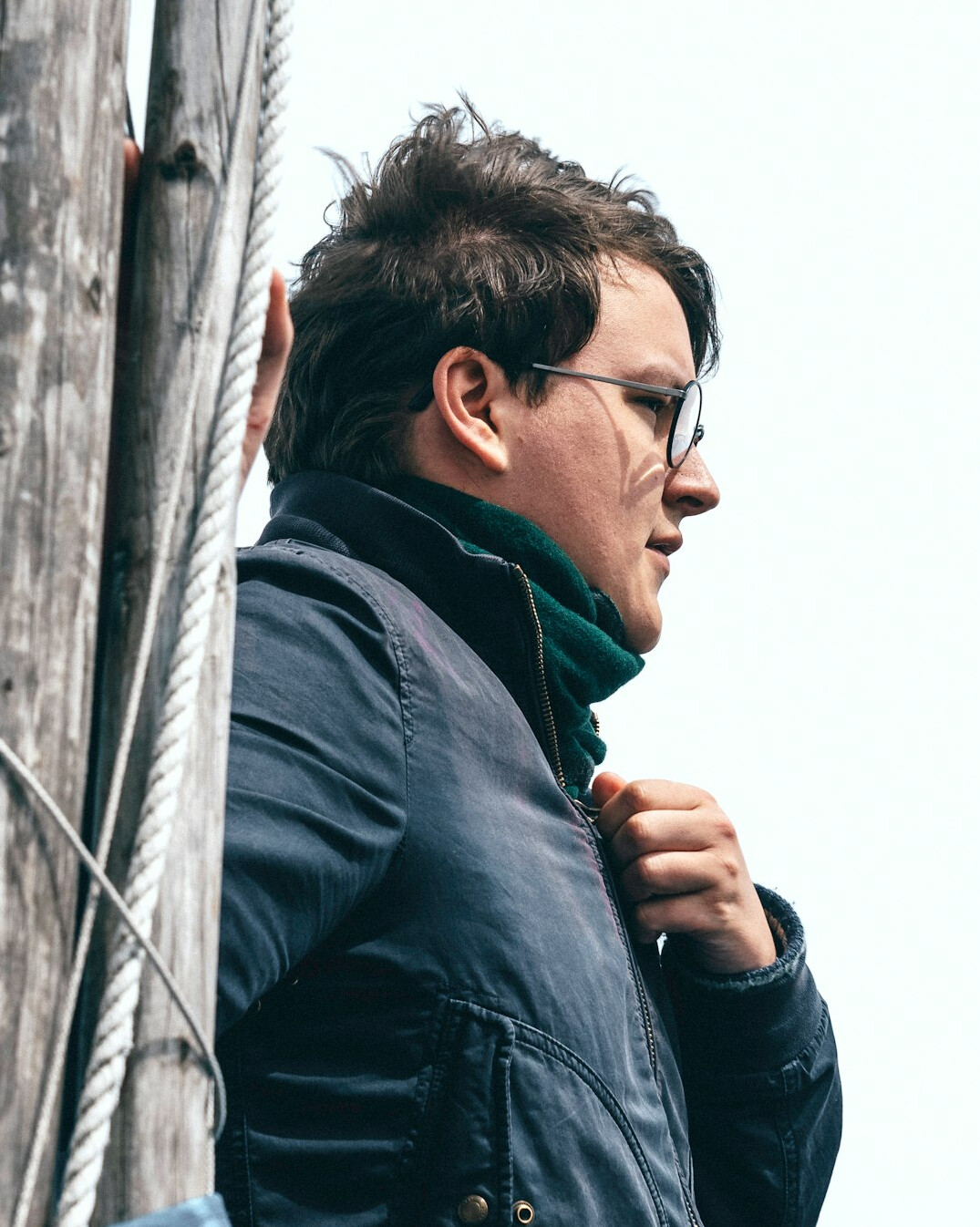
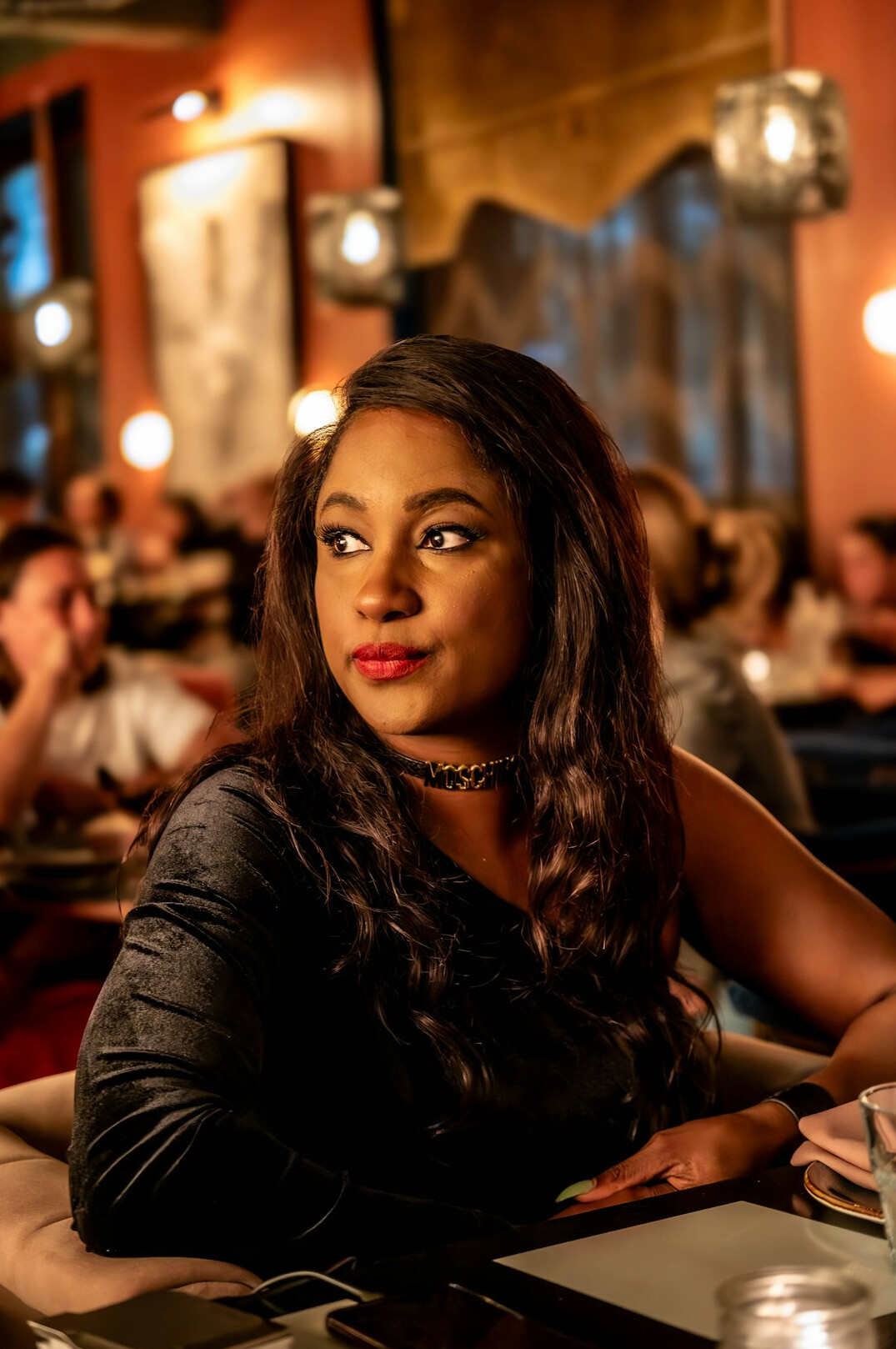
Daniel Whitmore
Head of Studio Operations
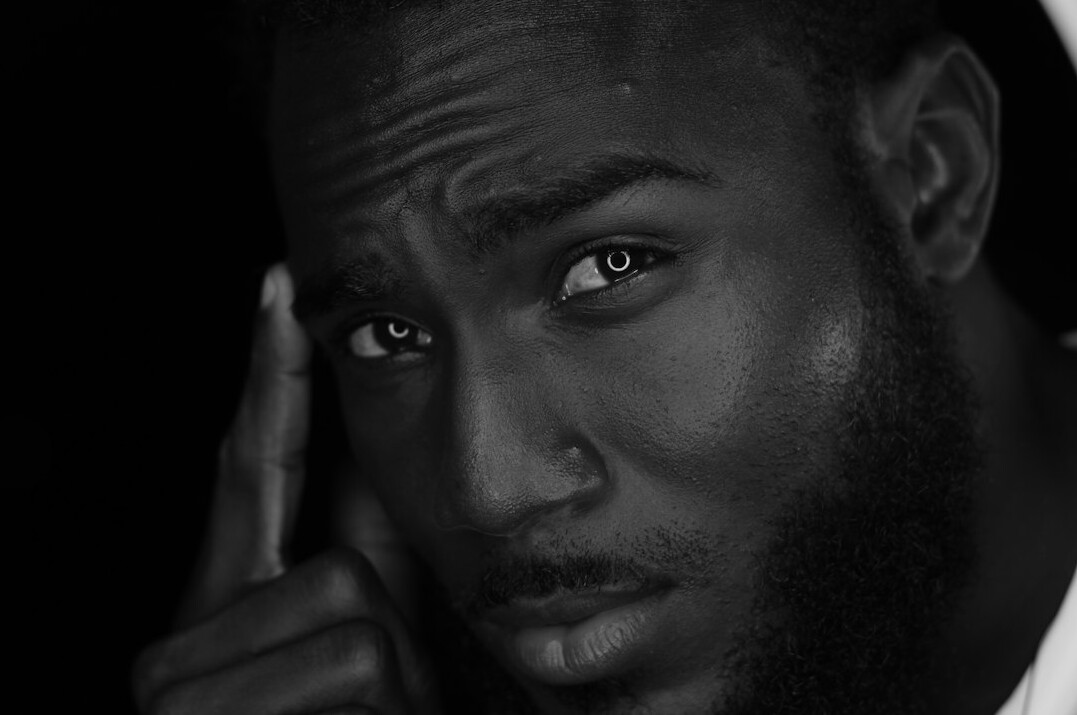
Priya Nair
Lead Lighting Designer
Tom Okafor
Camera Operations Tutor
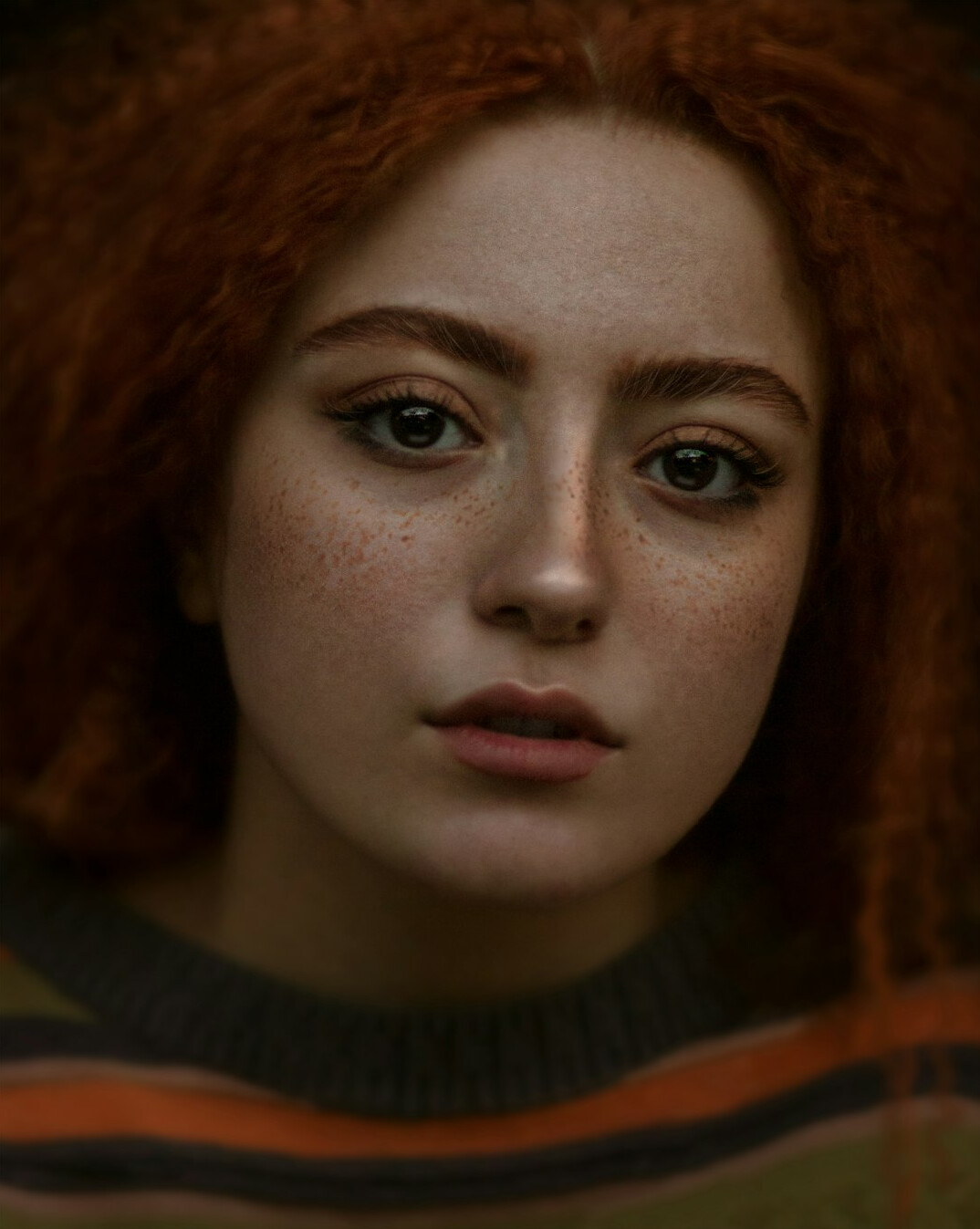
Hannah Clarke
Sound and Workflow Producer
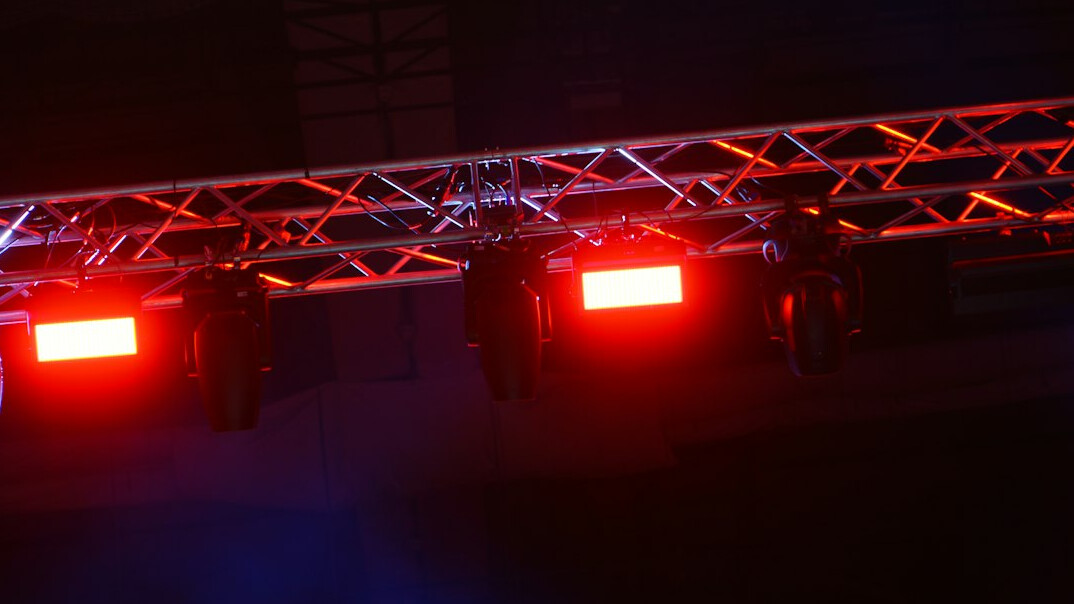
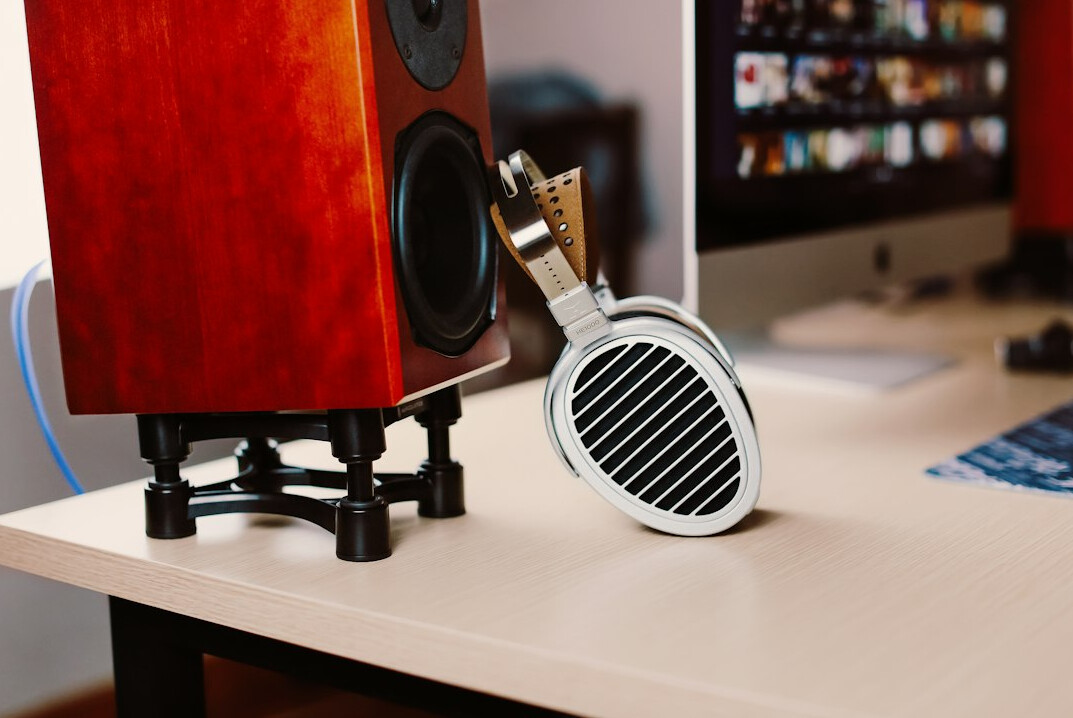
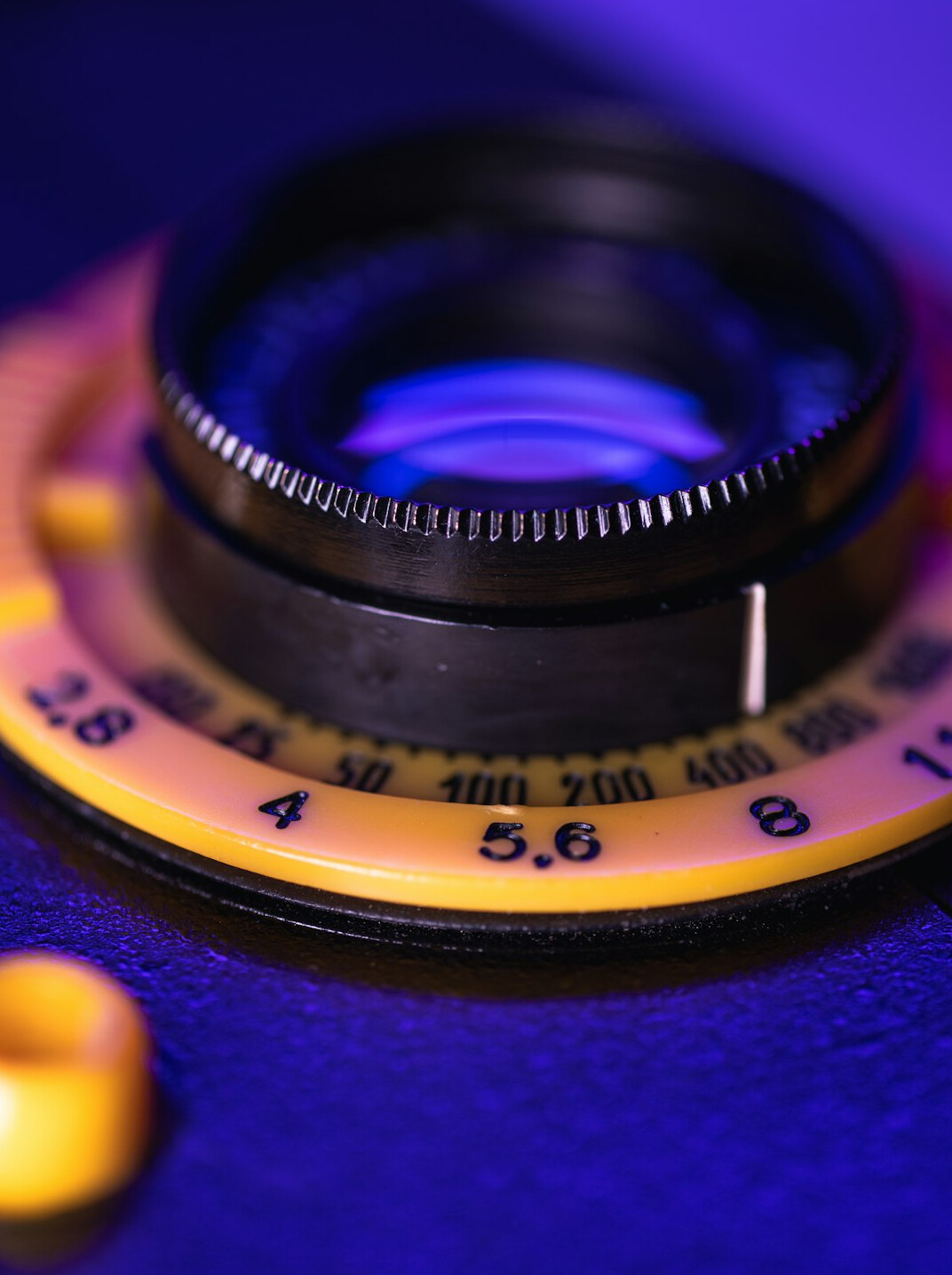
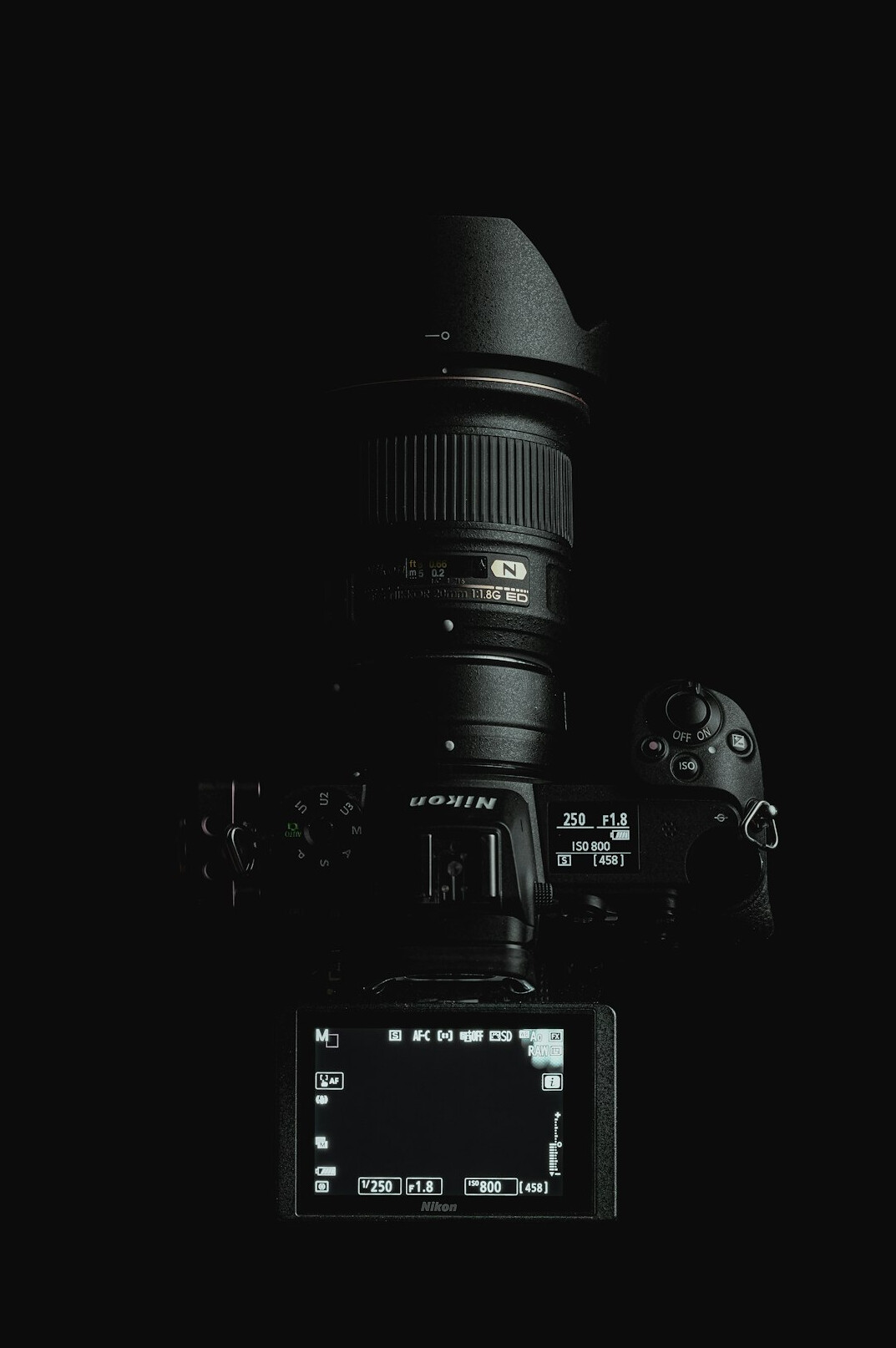
Lights, microphones, lenses and sets: the gear behind every clean broadcast.
Training packages
A focused day on studio basics for small teams and new crew members.
Multi-session training that follows a full news or live-show workflow.
Ongoing support for studios that want a tailored programme for their crew.
Studio crews, new camera operators, floor managers, technical producers and anyone who needs a clear grounding in television news and live-show production.
No. We work with the equipment available in the studio you choose, and we can advise on what to prepare if you want training on your own kit.
Yes. The Studio Partnership package is built around the formats you produce, from daily news bulletins to multi-camera live programmes.
Send us a message on the contact page with a few details about your studio and team, and we will get back to you with options and availability.
Occasional, practical notes on camera work, lighting, sound and workflow. No spam, and you can leave at any time.
We use cookies to keep the site working and to understand how it is used. Read more on our information page.